Examples
Before & after
See how Atelier turns plain product photos into campaign-ready frames. Each pair shows the original upload and the generated result in one house style.
These are illustrative examples generated with Atelier to show the range of product types and styles. They are not client work and do not depict real campaigns.
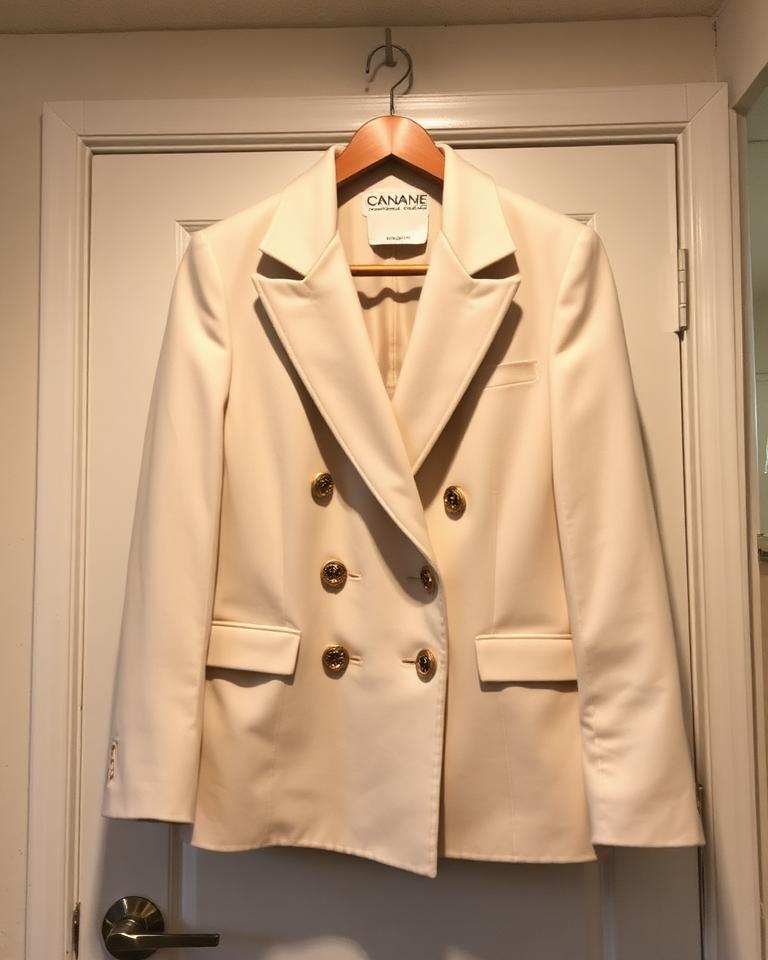 Before
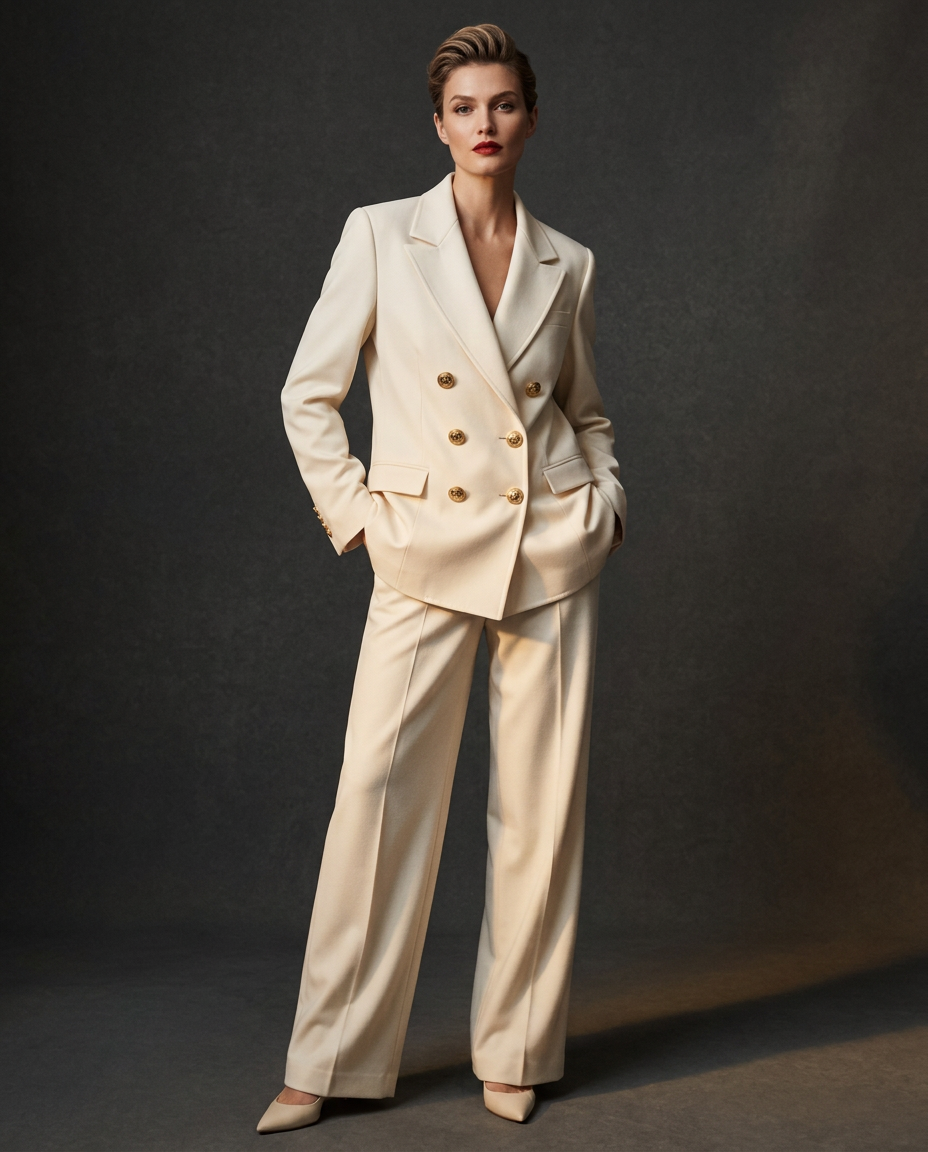 AfterEditorial
Tailoring Editorial
Cream double-breasted blazer
A quick hanger snap becomes a full editorial frame — same gold crest buttons, peak lapels and ivory wool.
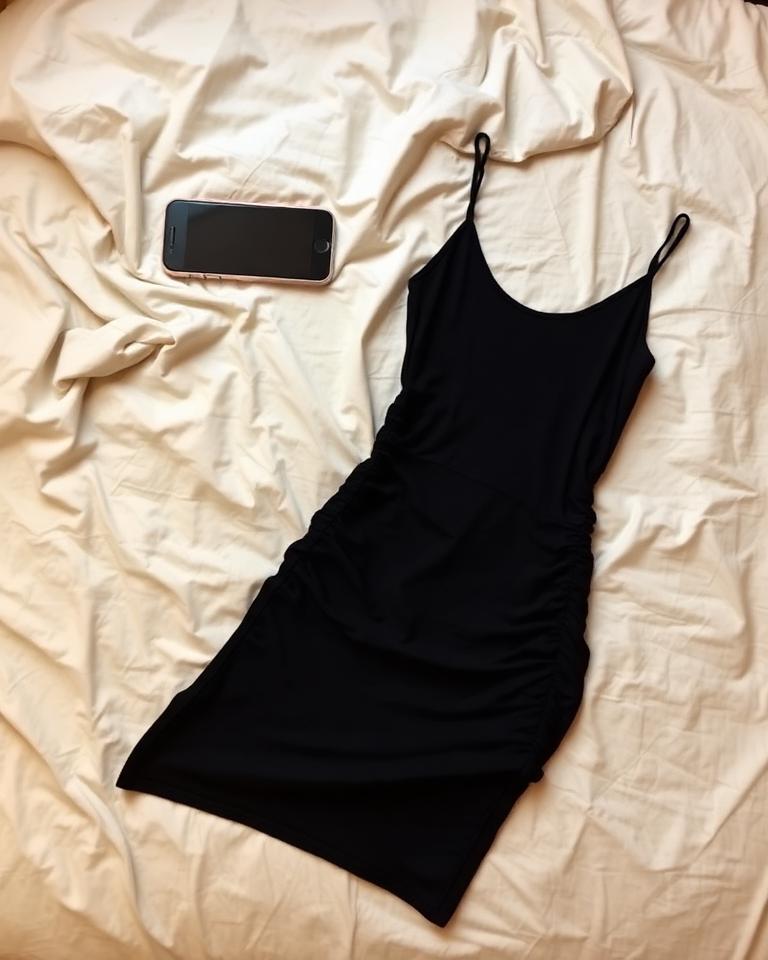 Before
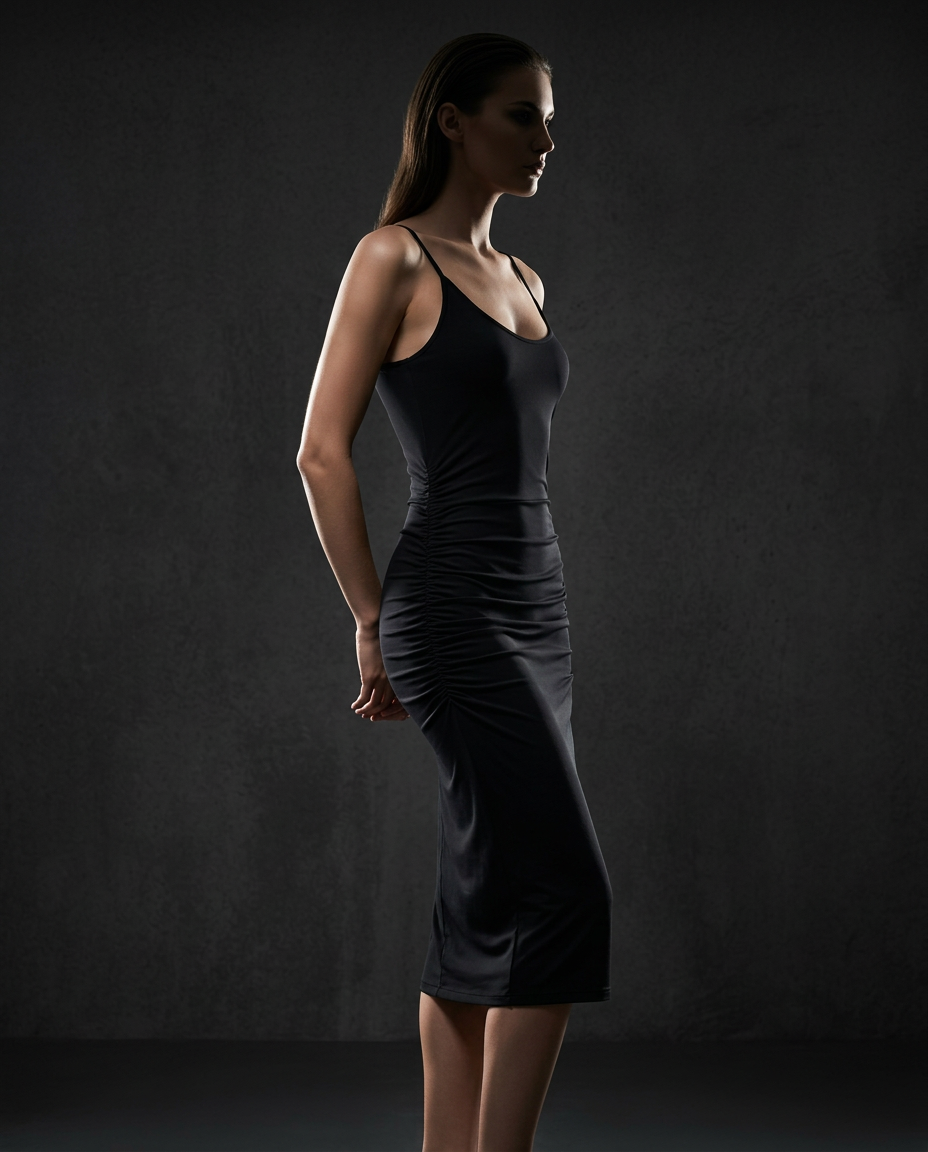 AfterCampaign
Womenswear Campaign
Black ruched midi dress
A bedroom flat-lay turned dramatic studio campaign, with the scoop neckline and side ruching kept exact.
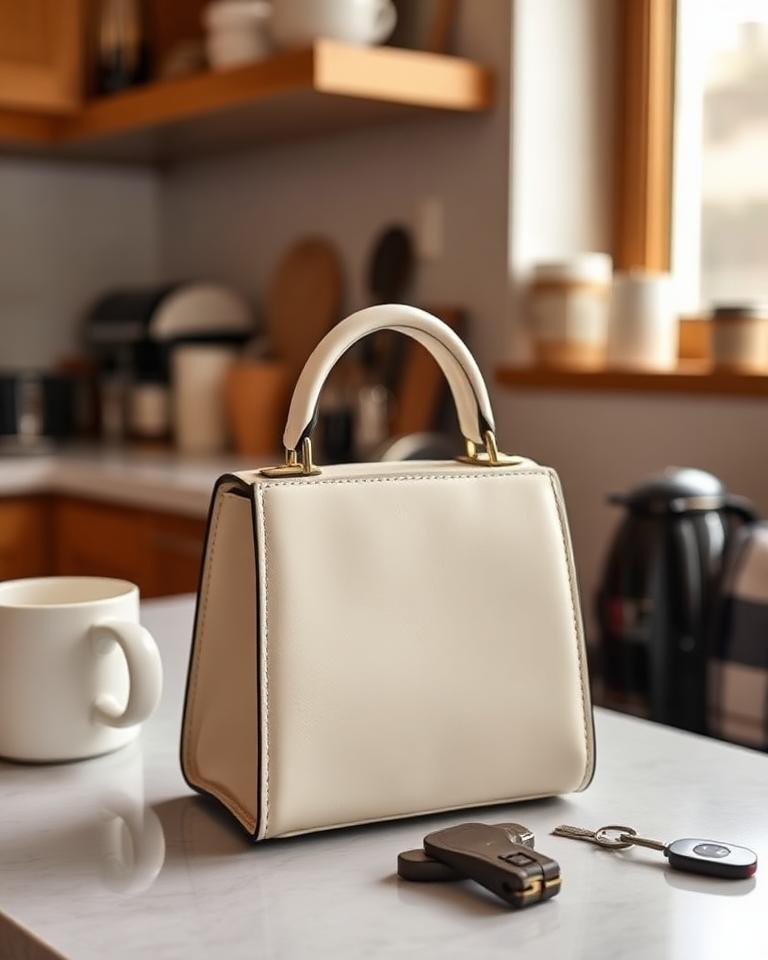 Before
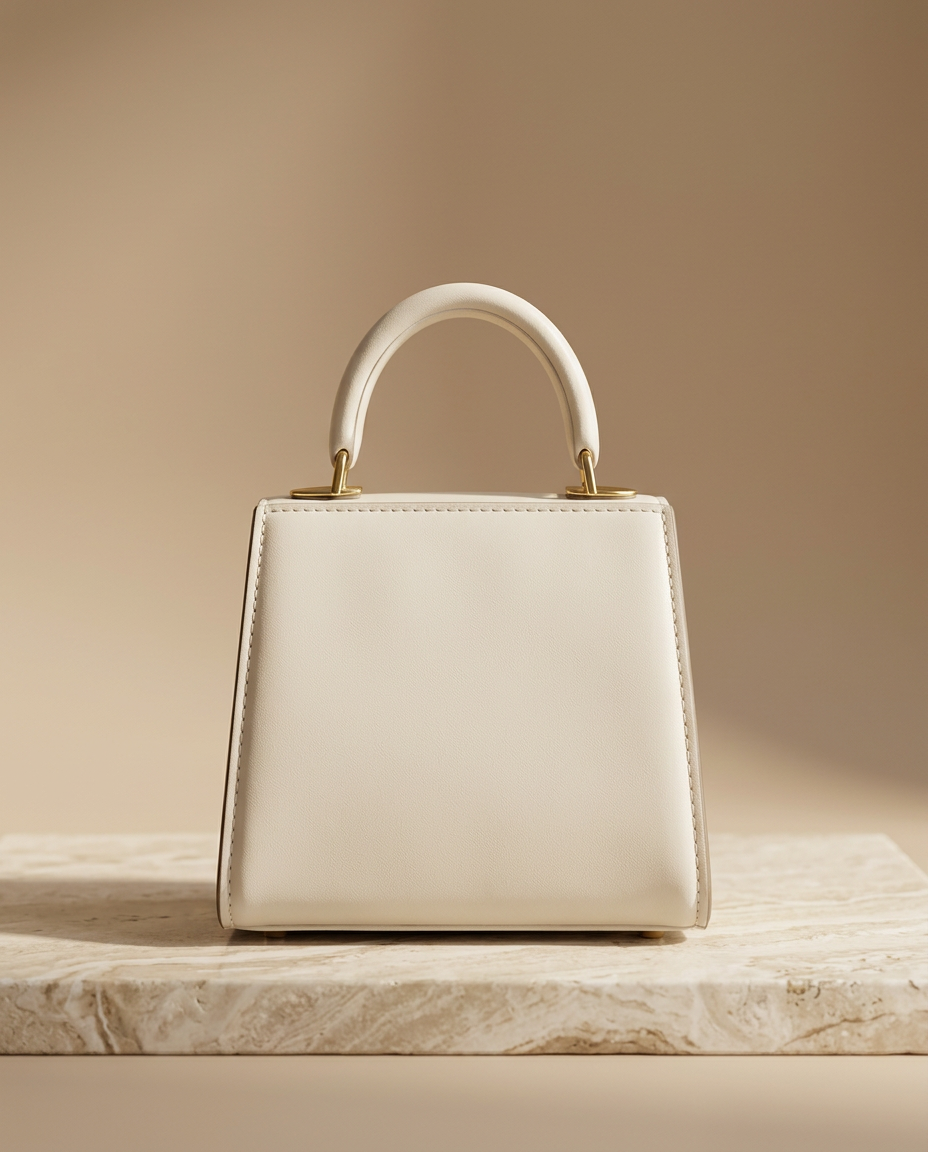 AfterCampaign
Accessories Campaign
Bone leather top-handle bag
A kitchen-counter snapshot re-lit as a plinth campaign frame — same silhouette, same gold hardware.
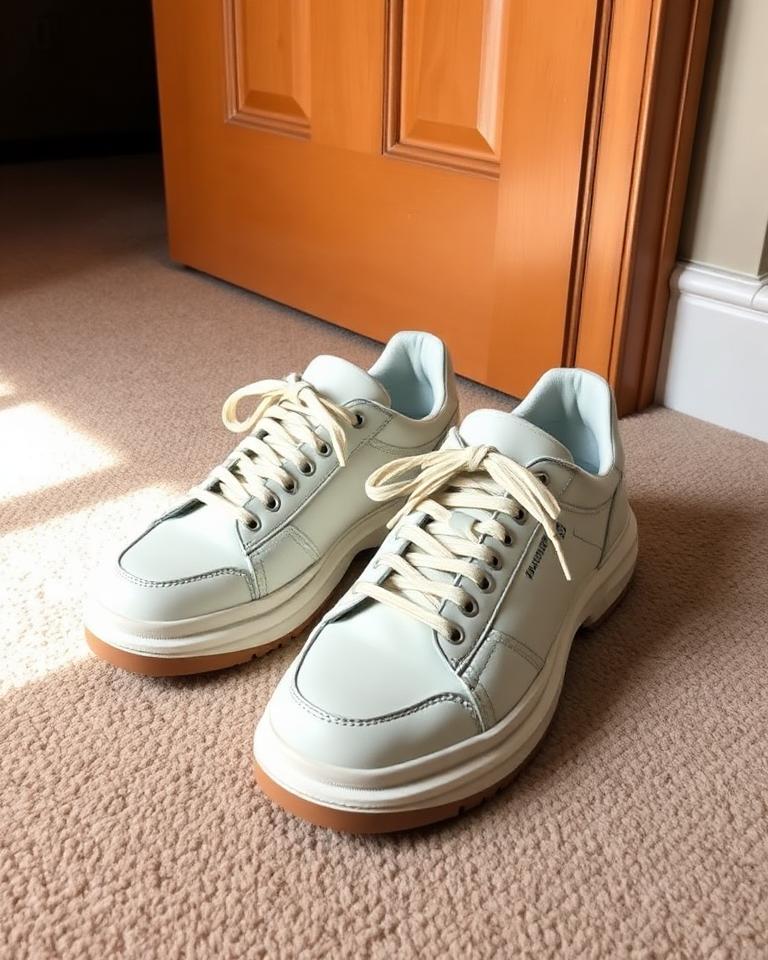 Before
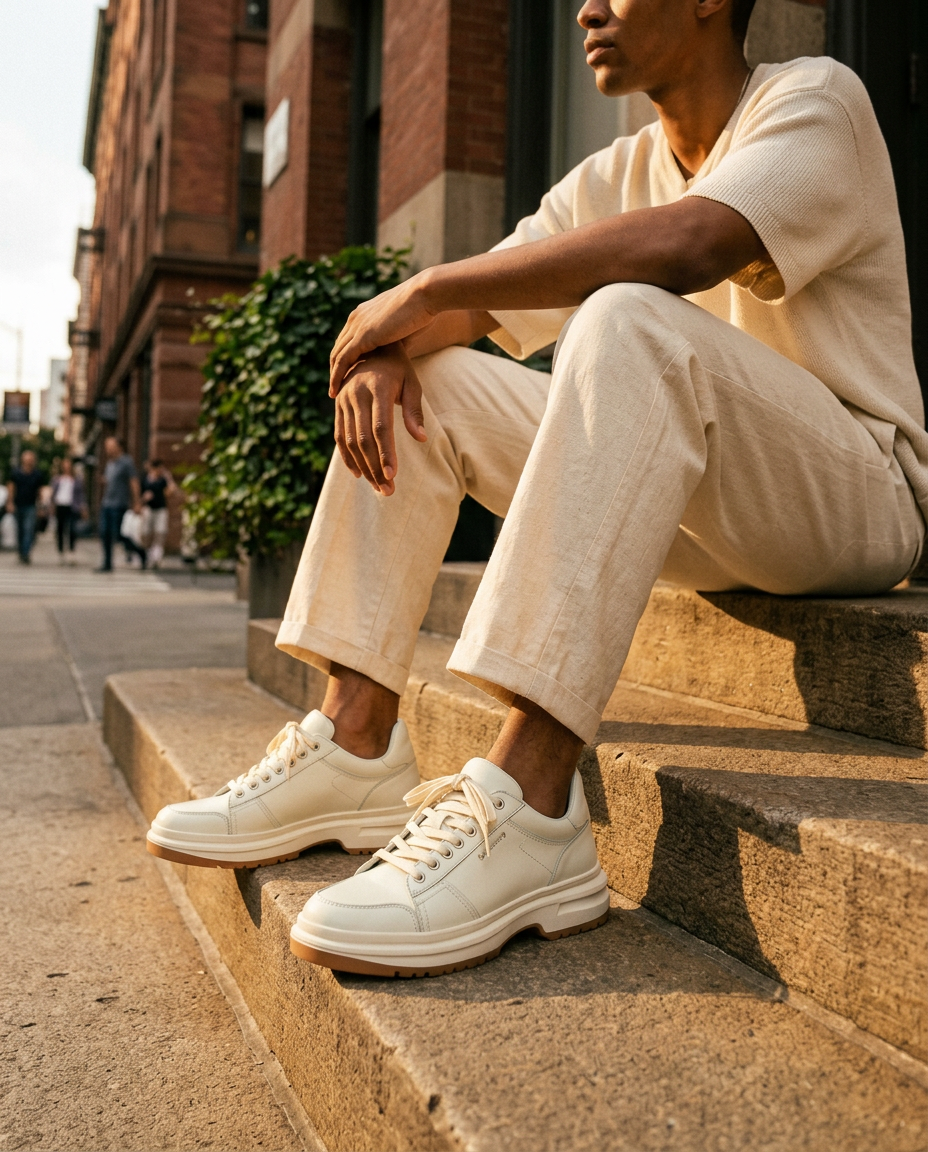 AfterStreet
Footwear Street
Ivory chunky sneakers
A flash-lit carpet photo becomes golden-hour street style — gum soles and tonal laces untouched.
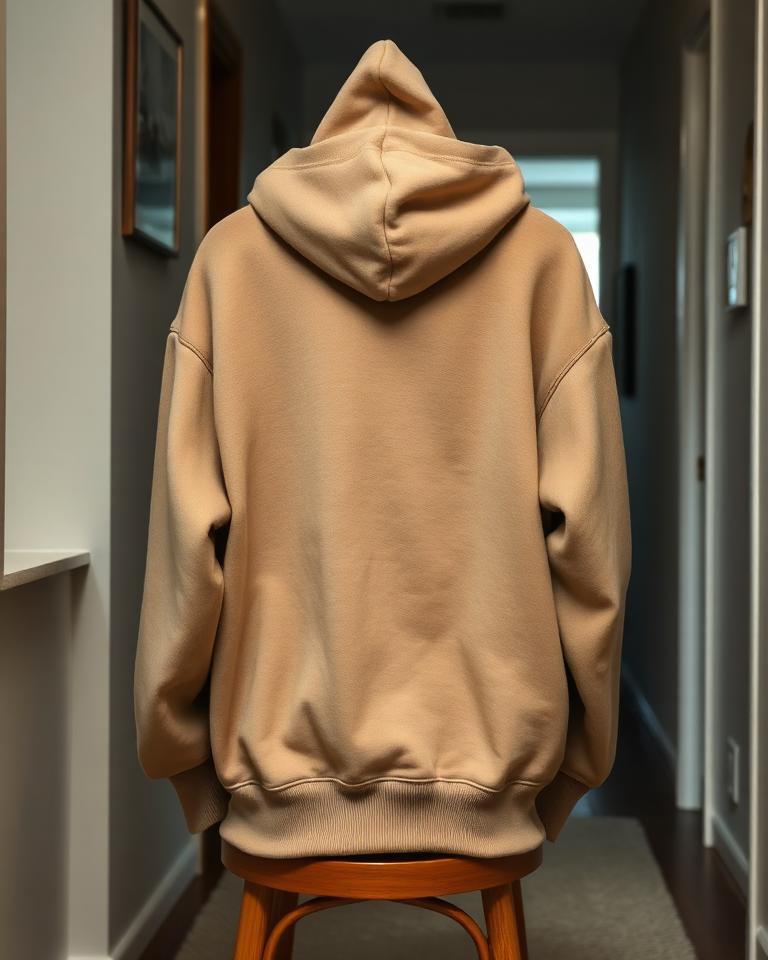 Before
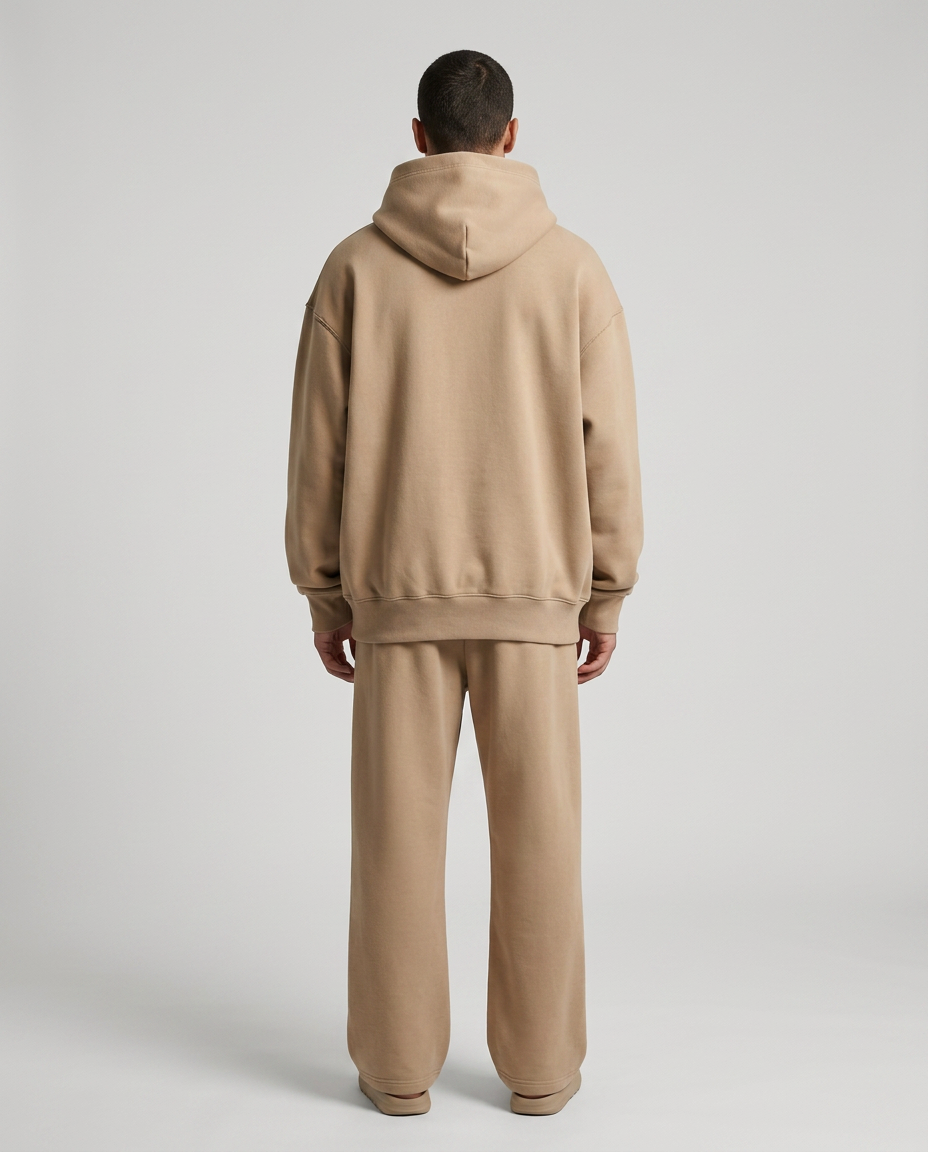 AfterLookbook
Streetwear Lookbook
Sand oversized hoodie
Draped over a hallway chair to a clean lookbook back view — same dropped shoulders, hood and ribbed hem.
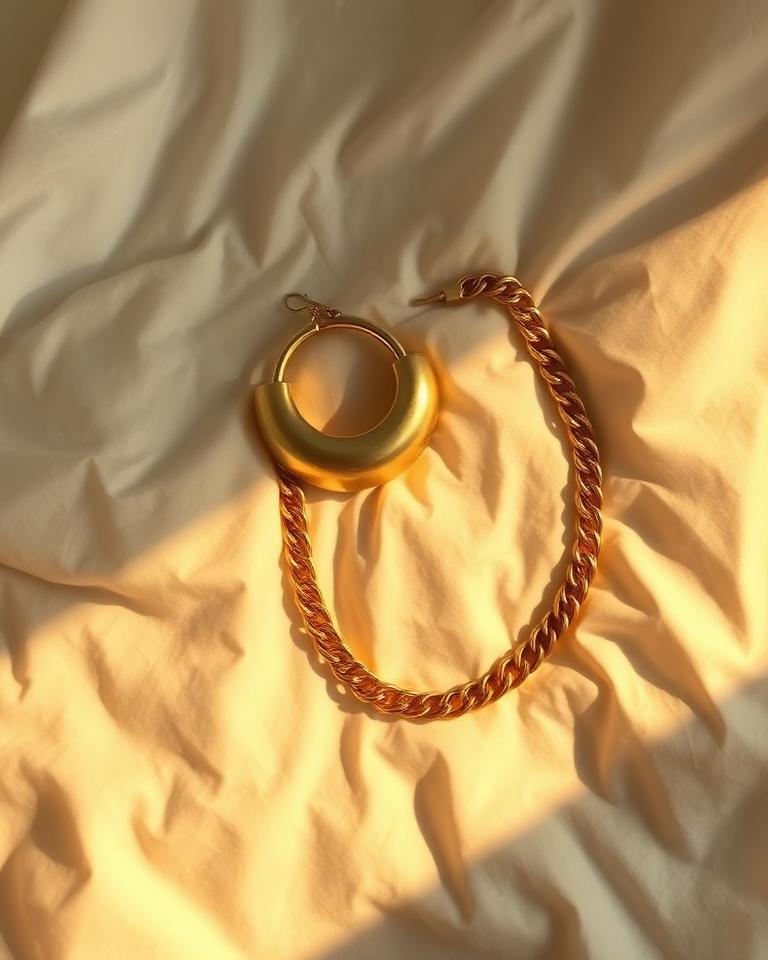 Before
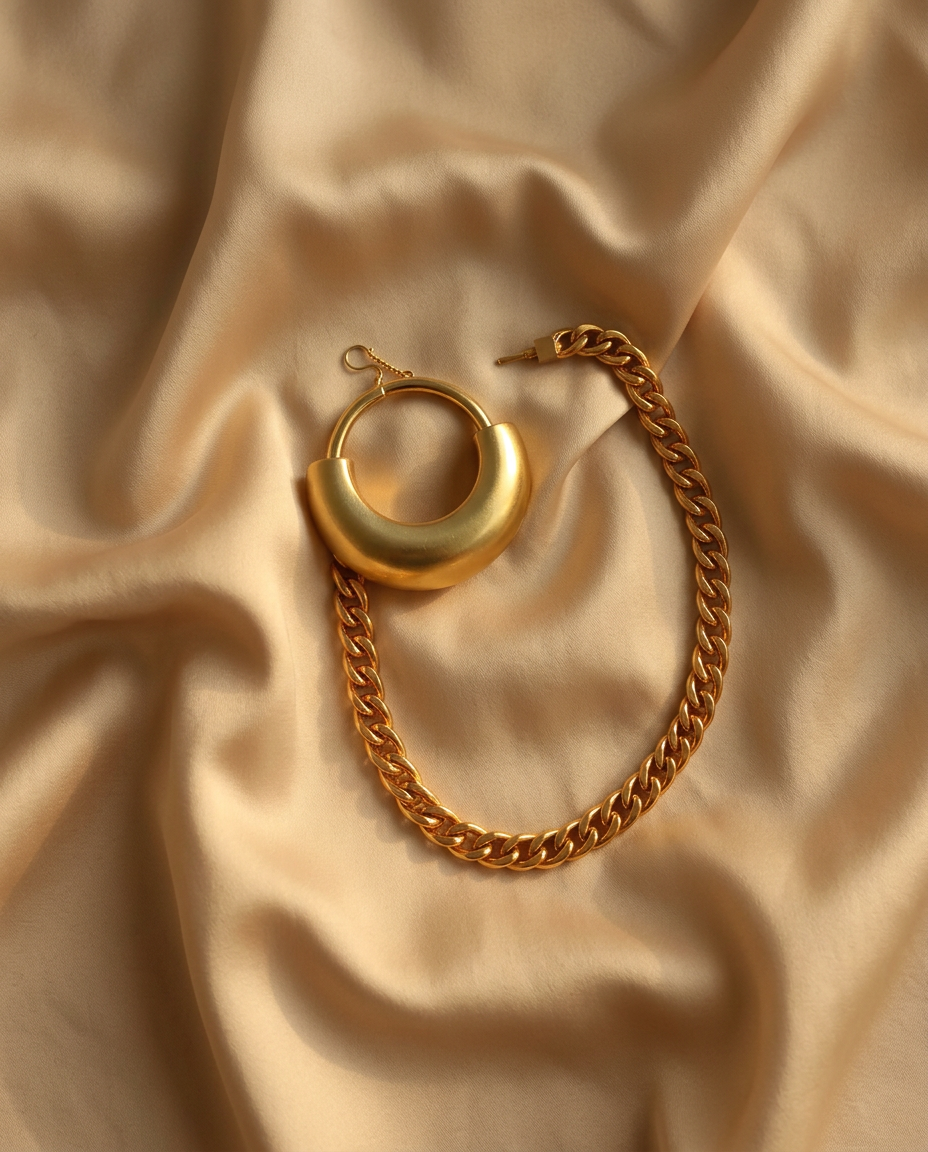 AfterEditorial
Jewelry Editorial
Gold dome hoops and curb chain
A wrinkled-bedsheet snap composed as a silk campaign still life, every link and curve preserved.
How a set is made
01
Upload products
Clear, well-lit photos of the actual items.
02
Choose style
Editorial, Campaign, Lookbook, Street — or several.
03
Generate
Atelier shoots the set against your house rules.
04
Save to project
Keep the keepers, regenerate single frames.